Author: mcmillan

  • Flub Flub Dee Cee – Ep 172

    We had originally planned to do a show to discuss the upcoming photography-related things that would be announced for iOS 27, but due to the lack of information released about iOS 27, we didn’t think we had much to tell, but we ended up giving our thoughts about what we did see. So it’s kind of like a Seinfeld episode where we spent an hour talking about nothing. 

    The Keynote

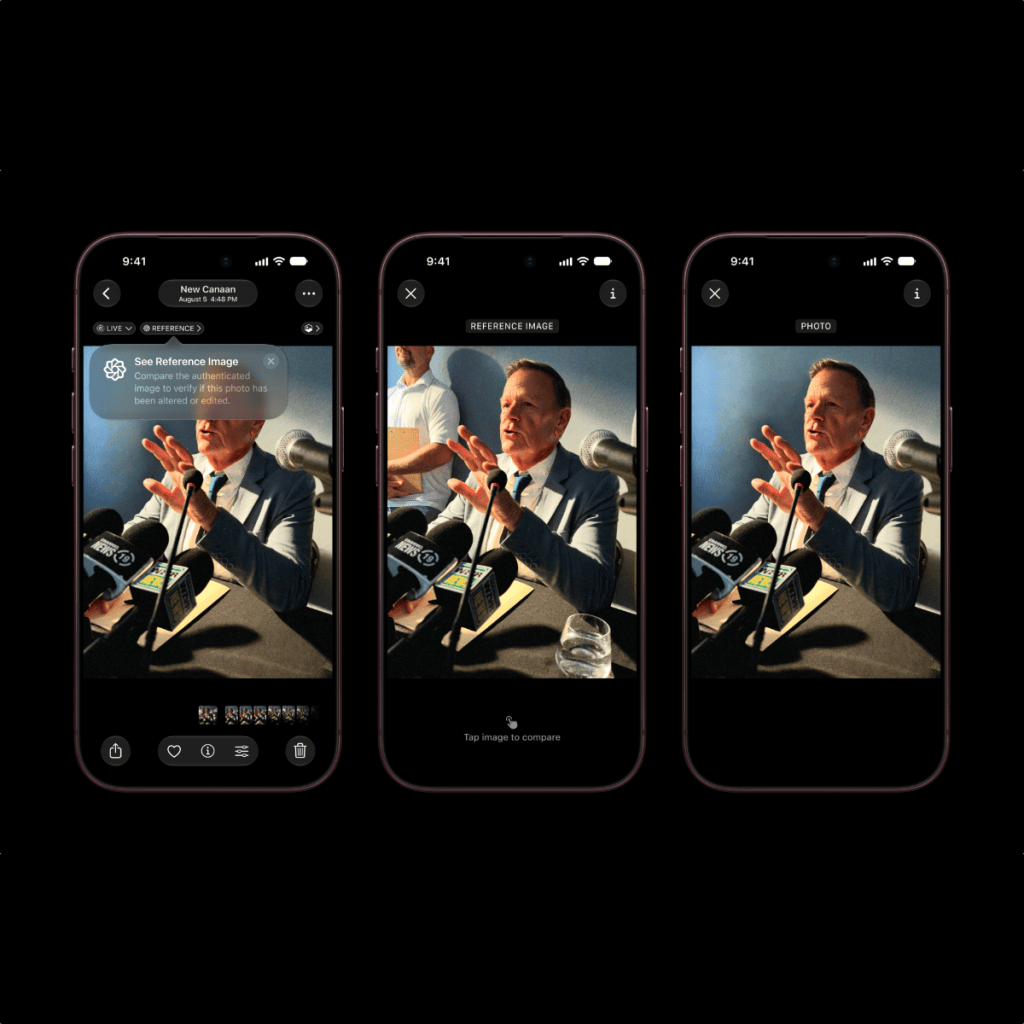
    iOS 27 – Apple Intelligence Features

    Watch This Episode on YouTube

    Buy Me a Coffee

    Voicecast

    Greg’s Book

    The Podcast Website

    Dave on Instagram

    Dave on Threads

    Dave on Bluesky

    Dave on X

    Dave on TikTok

    Dave on VERO

    Dave on Mastodon

    Dwight on Flickr

    Dwight on VERO

    Dwight on Glass

    Dwight on Instagram

    Dwight’s Art on Instagram

    Dwight on VSCO

    Greg’s Website

    Greg on Glass

    Greg on About.me

    Greg on Instagram

    Greg on VERO

    Greg on Flickr

    Greg on X

    The Podcast YouTube Channel

    Shayne Mostyn’s YouTube Channel

    Smartphone Photography Training

    The iPhoneography Podcast Facebook Group

    Shayne Mostyn’s Bloody Legends Facebook Group

    Rick Sammon’s Smartphone Photo Experience Facebook Group

    Reeflex’s Facebook Group

    iPhone 17 Pro & Pro Max Photography

    Get your first year of Glass for $20: https://glass.photo/offer/greg

    Reeflex Lenses – Get 10% off Reeflex lenses with the coupon code MCMILLAN10
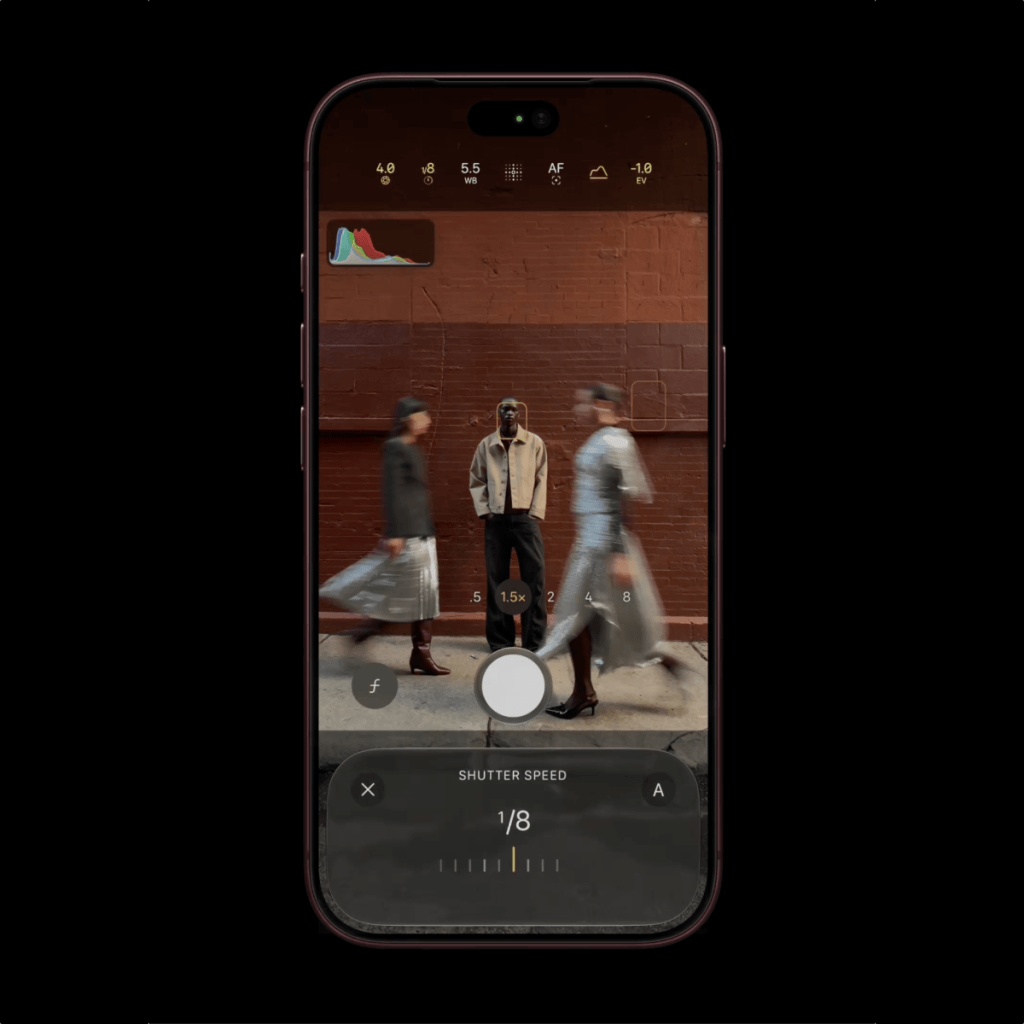
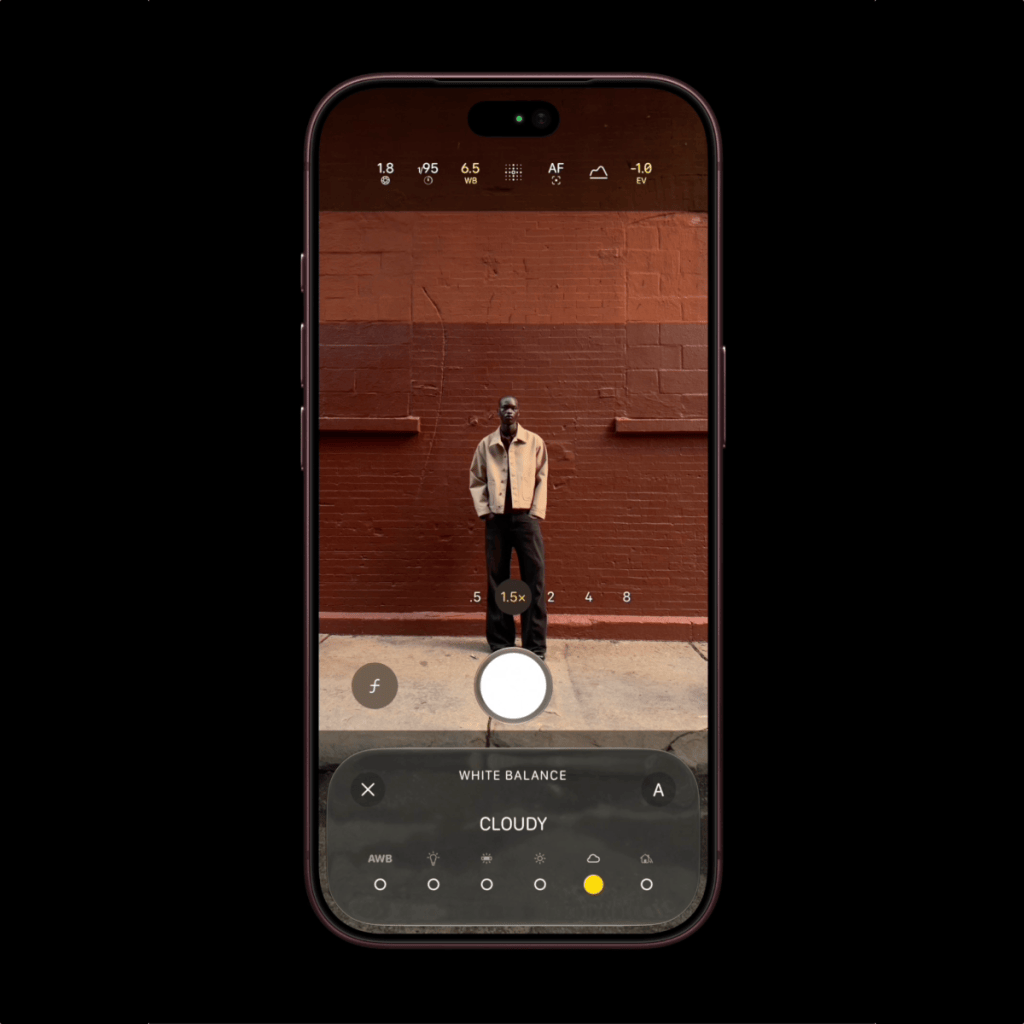
    The new Reframe feature in iOS 27.

  • Posting Our Photos

    This was a piece I wrote three years ago today about my experiences with social media.

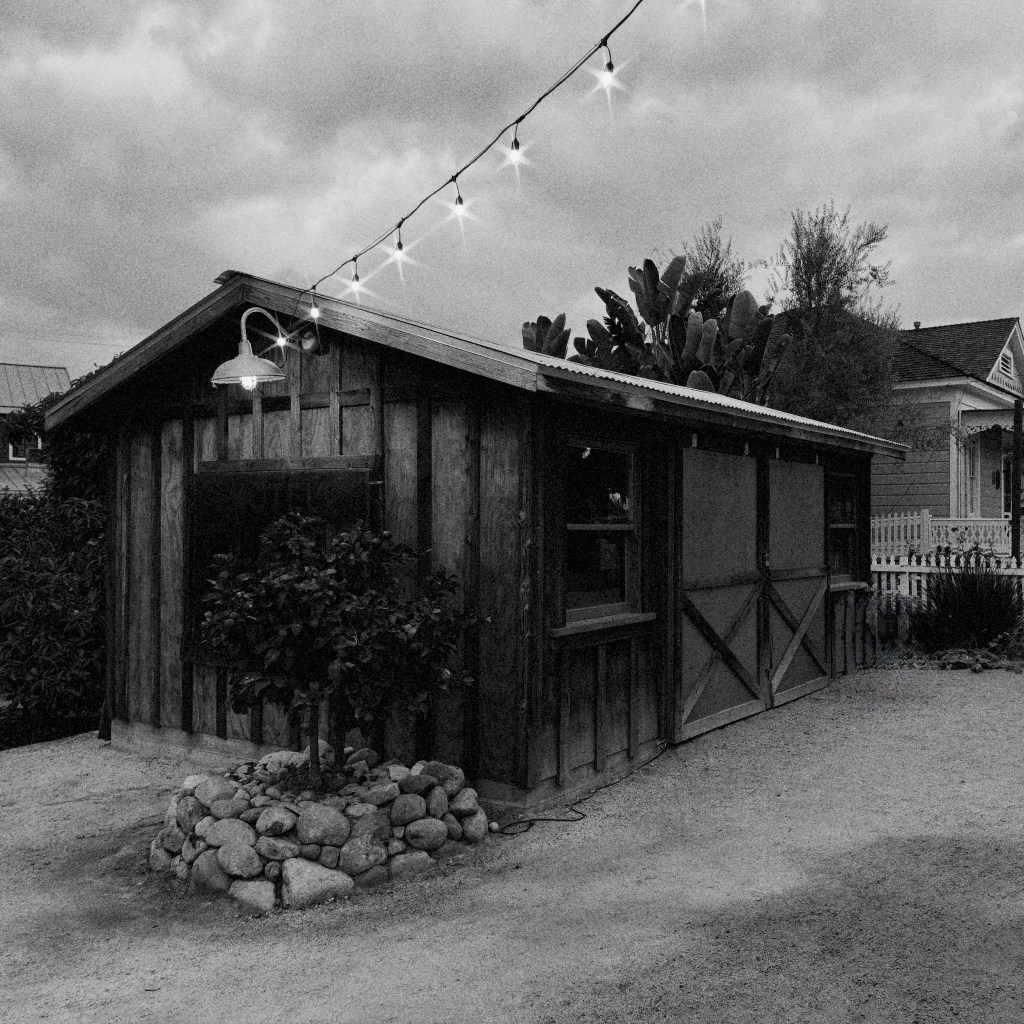
    A 30 second exposure, handheld with ReeHeld.

    We’ve been sharing our digital images with others since the 1980s when email became a mainstream form of communication. In the 90s we saw blogging sites and the first photo sharing sites, Ofoto and Shutterfly, who were both launched in 1999. Since then, a great number of sharing platforms have come along, and some are still thriving while others have met their demise for one reason or another. And with all of that, I have been dealing with a problem. That problem is the fact that I’ve been dipping my toes into just about any one that comes along. I don’t know what it is. Maybe I just like to try new things with the hopes that it will be the next big thing. But lately, I’ve started to realize I can’t be everywhere all the time. 

    Fast forward to today. Now, the number of places that I post to with some sort of regularity is six, and some get more attention than others. I should mention here that all of this does not include my own website, I’m just referring to social media outlets. I’m going to give a brief rundown of my experience with each of these destinations. How much detail I can provide will be determined on what comes to mind as I type. I don’t have a set of criteria prepared for this article, it’s just something that was sparked by a tweet I saw by my good friend Jack Hollingsworth. 

    I’ll start with the oldest of my online destinations on my list, Flickr. I joined the service in January 2007 and posted images from my DSLR cameras. I would eventually post my iPhone photos there and in 2012, I had an album of 366 images, one from every day of that year. The vast majority of my original posts have been removed from Flickr and only what I consider to be my better images remain, and now they’re all iPhone images because that’s all I’ve been shooting with since 2016. I had to take them down because when Flickr was acquired by SmugMug, they put a limit of 1,000 uploads on free accounts, and I don’t use the service enough to justify paying $9 per month for unlimited access. 

    So, what do I get out of using Flickr? Well, not much, really. I don’t find it to be a good space for the mobile community, which is odd for me because the iPhone is the most popular camera among Flickr users. The community aspect just doesn’t seem to be there, and the mobile photography community is, in my opinion, the most friendly, active, and fun place to be for photographers. I have met (albeit virtually) so many people in the mobile photography space over the years and have got to know a lot of them dearly, but none of that has happened on Flickr. I can’t honestly say that many of my photography friends are even using Flickr, and I’d say the biggest reason is because the mobile app for Flickr, at least on iPhone, is just not that good. To upload an image with the same effect as the computer experience (adding to groups, key wording, etc.) is far too convoluted for most. It can’t be done in one process; you can only do some of the additional steps after it’s uploaded which means going in and editing your post. Not fun. So, needless to say, the Flickr experience for me has been less than desirable. Oh sure, I could upload from my computer, but as a mobile photographer, and like most in the mobile space, I work from my iPhone. 99.5% of my online posts are done from there… because I can, and that’s how I like it. I will say this about Flickr, though: the viewing experience on a computer is good. The images are generally high resolution and that makes for a fun session of looking at photos.

    Next is Facebook. I have a love-hate relationship with Facebook. I love that there are a lot of people on the site which makes it so easy to keep up with everyone, but I hate that we, as users, have to give up every last bit of digital privacy we have just to use the service. I have the privacy settings on my account locked down as tight as I can possibly get it and it works well that way. I find one of the biggest downfalls of Facebook is the image compression that goes on with uploads. If a user has high quality uploads enabled, it’s not too bad, but still not as good as Flickr in that regard. 

    The community aspect of Facebook is, as one would expect, one of the best out there for obvious reasons. Facebook has been around for over 20 years so they’ve got things figured out. Groups are the best thing about Facebook for sharing in a community environment and my experience with Groups has been extremely positive. I’ve said this before, on social and on my podcast: there is no elitism in the mobile photography space. There have been times when someone, usually someone who hasn’t accepted mobile photography as a form of the medium, will make a comment putting it down as something inferior or refusing to call the iPhone a camera, but I do my best to ignore those types of comments… sort of.

    Since Facebook is so widely used, the mobile app experience has grown to work so well with the phone’s software in that sharing from your gallery is simple and fast. There aren’t many things you can’t do on the phone that you would do on a computer, in fact, I like the mobile experience on Facebook better than the desktop alternative. Maybe its because I spend more time viewing it on the phone, but then again, most of my social media experience is on the phone, which leads to a negative point about Facebook. The fact that so many people are using it lends itself to spending way more time on there than we should, and I’m the type of guy who has to see what the notifications are when they pop up on my lock screen so, naturally, I’m in and out of the Facebook app throughout the day.

    I’d say most of my time spent on Facebook is in the Groups. That’s where most of the interesting content is for me and my main reason for being on Facebook is for the photography related stuff. I very much enjoy seeing images from people all over the world, and I get to see this stuff every day. But more importantly, the most valuable thing I get from Facebook is getting to know so many wonderful people. I couldn’t imagine how I would be enjoying my photography experience without these friendships. 

    In 2012, Facebook acquired Instagram. I was really enjoying the Instagram experience at the time but thought for sure Facebook would ruin it. Instagram held its own for quite a while after the purchase, but eventually, the greed, the insatiable hunger for money that Facebook is known for, got the best of it and the ads started rolling in. Over time, the experience of viewing other people’s images on your Instagram feed consisted of three posts, then an ad, three posts, an ad, and the posts were in an order that suited Instagram, not chronological like it once was. This drives me crazy. 

    TikTok became a thing and since Instagram already had Reels, they felt the need to make it a priority in the feeds to compete with TikTok. A lot of photographers were upset over this, me included. Instagram was THE place to be for photographers, both mobile and traditional alike, but as photographers we want to see photos, not videos. Sure, videos have there place in Instagram but they should not be in a photo feed. There’s a section for Reels, but Meta, the parent company to Facebook and Instagram, want to keep shoving Reels down our throats. Just let me see photos if that’s what I want to see! Now if I want to see mainly photos on Instagram, there’s a toggle selection in the upper left corner of the interface where you can select “Following” and just see posts from accounts you follow. It says “For You” by default which shows you whatever the heck Instagram wants you to see. 

    My experience on Instagram started out great back in the day. Through that service, I met so many wonderful people. In fact, it was on Instagram where most of my friendships in photography were formed. The community aspect was very nice when the feed was chronological because you could easily keep up to what your friends were posting. When Instagram went to an algorithmic feed, you might not see posts from some of your peers for weeks, and that only got worse when they added Reels to the equation. 

    A lot of people have adopted the use of Reels now so my Follow feed is laced with them, and I have mixed feelings about it. Yes, if I want to waste a few minutes being entertained by kittens, puppy dogs and funny skits, I’ll jump to the Reels section and watch some, but I’d still prefer they weren’t in with photos.

    VERO was created to compete with Facebook and Instagram, but mostly Instagram. The VERO platform is free with no ads and no algorithms so the feed is purely chronological, which is really nice to see. I joined VERO early, mind you it had already existed for a couple of years before I heard about it, but there weren’t too many people using it compared to the powerhouse networks. VERO is designed well and pretty easy to use but lacks some key features that people like. There are no group or page features so the community aspect relies on hashtags, and that’s not too practical in today’s social landscape. VERO, for me, is a nice place to share photos and look at photos posted by others, but the rest of the categories, like the music you’re listening to, movies you’re watching, book you’re reading, that sort of thing, really don’t interest me enough to make it a place I want to spend most of my social network time. 

    Another long time social network that a lot of people use is Twitter, and lately it’s been going through some changes where some folks think it’s not for the better. For me, I have a few accounts that I get notifications for when they post something because I don’t want to miss them, and of the two feed options, I use “Following” as opposed to “For You” because I don’t want Twitter showing me stuff from accounts I don’t follow. Twitter is what you make of it and, like everywhere else, I’m there for the photography, not politics. Sure, I follow some sports stuff or music and entertainment accounts but I generally only interact with people who are into photography. If someone follows me, I’ll look at their account to see if I want to follow them back and if it’s all retweets or political stuff, I don’t follow back. 

    There is a community feature on Twitter and I host one called iPhoneography but it’s not overly active. It’s a nice place to share pictures and learn from others but I don’t think its a well known feature. So, for me, Twitter seems to be a place primarily for “shop talk” and that’s okay with me. 

    The sixth and final place I want to mention is Glass. This is a purely photographic experience, which is much better than Instagram in my opinion. Glass is not free but it’s not expensive either. The annual subscription of around $30 is something I would have been glad to pay Instagram to keep it ad free and have the feeds remain in chronological order, but I guess Meta figures they can make more money selling ads and ruining the experience is better than making people happy. 

    Glass is ad free, algorithm free and all about your images. There’s no group type of functionality like Facebook but I don’t thing they intend it to be that way. It’s more of an Instagram competitor. The user base is much lower than Instagram but I know a lot of people who are posting to both places and I’d much rather see their stuff on Glass because there aren’t any videos to get in the way. Like I said, it’s purely a photographic experience. The mobile app is excellent and the desktop browser experience is like having your own website to showcase your images. 

    There is no “likes” on Glass, just “appreciations” and only you can see how many appreciations there are on your images. This takes the popularity contest out of it and that is a good thing. Of course, you can comment on people’s images, and the team at Glass has added threaded commenting, with other new features in the works. As for the community aspect, you can search the app or website by camera type, lens type, by members’ name, or by a growing set of category types. I really like what they’ve done with the search feature because, as an iPhoneographer, if I want to find other people who shoot with an iPhone, I just search for the iPhone model and they start appearing in the results. 

    I don’t want this to sound like an ad for Glass, but I really love what they’ve developed and when I find something I like, I tend to go on about it. I firmly believe Glass could be the next Instagram if people just gave it a chance. But, like Facebook, no one wants to venture off to try something new. 

    So that’s a round up of where I spend my time sharing and taking in photography. I doubt most people spend their time in as many places as I do but I’m a sucker for trying new things, and sometimes they just stick. I hate to say it but Facebook is probably where I’m most active because of the Groups, but what can I say, the people there are amazing, and I doubt anything will ever come along that can knock it down. It’s just too big. 

  • Learning Resources – Ep 171

    There are so many places available to learn about photography, even iPhone photography. On this episode, we will share some of the resources that we’ve used to help us learn more about the craft. 

    Jack Hollingsworth’s Course

    Gavin Hardcastle (Fototripper)

    Michael Shainblum

    Alex Armitage

    Carla Cardello

    Nikki Wiser

    iPhone Photography School

    iPhone Photography School on YouTube

    David Addison

    Dwight’s Reddit

    Jim Nix

    Anthony Turnham

    Dave Kelly

    Greg’s Camera Club

    Buy Me a Coffee

    Voicecast

    Greg’s Book

    The Podcast Website

    Dave on Instagram

    Dave on Threads

    Dave on Bluesky

    Dave on X

    Dave on TikTok

    Dave on VERO

    Dave on Mastodon

    Dwight on Flickr

    Dwight on VERO

    Dwight on Glass

    Dwight on Instagram

    Dwight’s Art on Instagram

    Dwight on VSCO

    Greg’s Website

    Greg on Glass

    Greg on About.me

    Greg on Instagram

    Greg on VERO

    Greg on Flickr

    Greg on X

    The Podcast YouTube Channel

    Shayne Mostyn’s YouTube Channel

    Smartphone Photography Training

    The iPhoneography Podcast Facebook Group

    Shayne Mostyn’s Bloody Legends Facebook Group

    Rick Sammon’s Smartphone Photo Experience Facebook Group

    Reeflex’s Facebook Group

    iPhone 17 Pro & Pro Max Photography

    Get your first year of Glass for $20: https://glass.photo/offer/greg

    Reeflex Lenses – Get 10% off Reeflex lenses with the coupon code 10%OFFGREG

  • Desktop Editing – Ep 170

    Whether it’s because you’re getting older like me, or you just want a better view of your images, also like me, sometimes it’s nice to edit your images on the desktop. Dave, Dwight and I will talk about some of the desktop editors we use and why we use them to get the look we want for our images.

    Photomator

    Photos – Included on iPhone, iPad, and Mac

    Affinity

    Luminar Neo

    DXO Film Pack 8

    Photoshop

    Dave Kelly on YouTube 

    Buy Me a Coffee

    Voicecast

    Greg’s Book

    The Podcast Website

    Dave on Instagram

    Dave on Threads

    Dave on Bluesky

    Dave on X

    Dave on TikTok

    Dave on VERO

    Dave on Mastodon

    Dwight on Flickr

    Dwight on VERO

    Dwight on Glass

    Dwight on Instagram

    Dwight’s Art on Instagram

    Dwight on VSCO

    Greg’s Website

    Greg on Glass

    Greg on About.me

    Greg on Instagram

    Greg on VERO

    Greg on Flickr

    Greg on X

    The Podcast YouTube Channel

    Shayne Mostyn’s YouTube Channel

    Smartphone Photography Training

    The iPhoneography Podcast Facebook Group

    Shayne Mostyn’s Bloody Legends Facebook Group

    Rick Sammon’s Smartphone Photo Experience Facebook Group

    Reeflex’s Facebook Group

    iPhone 17 Pro & Pro Max Photography

    Get your first year of Glass for $20: https://glass.photo/offer/greg

    Reeflex Lenses – Get 10% off Reeflex lenses with the coupon code 10%OFFGREG

  • iPhone Camera Focal Lengths – Ep 169

    Today we discuss the iPhone camera’s focal lengths. What are they and why do we care? We’ll also look at which ones to use in certain situations. Plus, we have something very cool to tell you about and you won’t want to miss it.

    Jack Hollingsworth’s Materclass

    Buy Me a Coffee

    Voicecast

    Greg’s Book

    The Podcast Website

    Dave on Instagram

    Dave on Threads

    Dave on Bluesky

    Dave on X

    Dave on TikTok

    Dave on VERO

    Dave on Mastodon

    Dwight on Flickr

    Dwight on VERO

    Dwight on Glass

    Dwight on Instagram

    Dwight’s Art on Instagram

    Dwight on VSCO

    Greg’s Website

    Greg on Glass

    Greg on About.me

    Greg on Instagram

    Greg on VERO

    Greg on Flickr

    Greg on X

    The Podcast YouTube Channel

    Shayne Mostyn’s YouTube Channel

    Smartphone Photography Training

    The iPhoneography Podcast Facebook Group

    Shayne Mostyn’s Bloody Legends Facebook Group

    Rick Sammon’s Smartphone Photo Experience Facebook Group

    Reeflex’s Facebook Group

    iPhone 17 Pro & Pro Max Photography

    Get your first year of Glass for $20: https://glass.photo/offer/greg

    Reeflex Lenses – Get 10% off Reeflex lenses with the coupon code 10%OFFGREG

  • New Site, New Branding

    Things are changing around here, that’s for sure. Oh, we’re the same old hosts with the same old podcast, but I thought it was time for a fresh, more modern look. So, we have the new site up and running, and now we have new cover art for the show. I’ll be experimenting with a new logo that will be derived from this new image. Hope you like it! Let us know in the Facebook Group what you think.

    ~ Greg

  • Reeflex Pro Camera 3 – Ep 167

    Reeflex Pro Camera 3 – Ep 167

    The team at Reeflex is set to release an update to their flagship camera app, and we will be taking a deep dive into it to let you know what to expect. Also, we have something new to show you!

    The New Website

    Reeflex’s Website

    Reeflex Pro Camera

    Buy Me a Coffee

    Voicecast

    Greg’s Book

    The Podcast Website

    Dave on Instagram

    Dave on Threads

    Dave on Bluesky

    Dave on X

    Dave on TikTok

    Dave on VERO

    Dave on Mastodon

    Dwight on Flickr

    Dwight on VERO

    Dwight on Glass

    Dwight on Instagram

    Dwight’s Art on Instagram

    Dwight on VSCO

    Greg’s Website

    Greg on Glass

    Greg on About.me

    Greg on Instagram

    Greg on VERO

    Greg on Flickr

    Greg on X

    The Podcast YouTube Channel

    Shayne Mostyn’s YouTube Channel

    Smartphone Photography Training

    The iPhoneography Podcast Facebook Group

    Shayne Mostyn’s Bloody Legends Facebook Group

    Rick Sammon’s Smartphone Photo Experience Facebook Group

    Reeflex’s Facebook Group

    iPhone 17 Pro & Pro Max Photography

    Get your first year of Glass for $20: https://glass.photo/offer/greg

    Reeflex Lenses – Get 10% off Reeflex lenses with the coupon code 10%OFFGREG

  • Reeflex Pro Camera 3

    Reeflex Pro Camera 3

    A Preview of a Not-So Subtle Upgrade

    It’s no secret that I like and use the Reeflex Pro Camera app as my go-to camera app of choice. It has been since it hit the market all those years ago. I still have more camera apps on my iPhone than anyone needs (right, Dwight?), and occasionally I’ll open one up and give it a go. 

    With each iteration of iPhone comes a new version of iOS, and with it, some little tweaks here and there in design and function. September 2025 brought us a lot of newness, especially in Apple’s operating systems. They changed things up across all platforms from the look and feel of things right up to the naming of the OS’s. From one platform to the next, the version nomenclature was a little all over the place and resulted in confusion. Enter iOS 26.

    A New Look

    The last time Apple released a UI design change for their most popular product was in 2013 with iOS 7. Since then, the changes have been visually minor in the grand scheme of things. iOS 26 is a whole new design on the surface while maintaining a level of familiarity in the way we navigate our way through its structure. I believe Apple did it this way to avoid massive resistance from their customers. The biggest change in design is what Apple has called Liquid Glass.

    This new glassy look really is remarkable, and Reeflex has incorporated it into Reeflex Pro Camera 3. And like Apple, while the team is introducing a newly designed camera app, it still has a familiar feel to it. One of the things that drew me to Reeflex Pro Camera in the first place was how intuitive it is to use. Most of the controls you want in a camera app are right there, front and centre. Version 3 remains just as easy to use, even though there have been some subtle changes to the layout. But first, I want to address the Liquid Glass part of it. 

    With Liquid Glass, you can see through the histogram.

    As you probably know, Liquid Glass is the effect you get on iPhone that gives the UI layers a clear—or opaque should you choose that option—appearance. For example, when you pull down the notifications, it’s like a thin layer of clear liquid has run down your screen. In Reeflex’s camera UI, this visual effect is present in two elements of the design: the camera selector and the histogram, if you have it activated. These utilitarian elements are in the viewfinder, so, in my opinion, it makes them a little less intrusive. I like that. 

    Old and New Features

    Reeflex Pro Camera 3 has the same camera controls across the bottom of the viewfinder as before, so nothing new there, but there are some very welcomed new features right within reach. The controls for your exposure helpers, the zebra stripes and histogram that occupied space directly above the shutter button, have been moved to the lower corners of the viewfinder in a non-obstructive way and now sit on each side of the new camera selector. Switching cameras before was not as convenient as it is now because you had to toggle through the different cameras using a single button. Now, any rear-facing cameras available on your iPhone are readily available at the bottom centre in the viewfinder, much like Apple’s Camera app. Additionally, the button that switches from the rear cameras to the Selfie Camera is now included in what I would call the Mode Selection row on the right side, and the Slow Shutter button that was there before, is now on the left side.

    The Slow Shutter feature has been simplified in that the controls now stay in the Mode Selection row rather than pop up into the view finder. It is similar to ReeHeld and ReeXpose with a sliding scale to select the length of your shot sequence. And to switch between Motion Blur and Light Trails, you tap the icon at the right of the scale to toggle between the two.

    The Slow Shutter controls.

    In the Mode Selection row, between the manual camera controls and the shutter button, we find two exciting new features in their place: Focus Bracketing and Exposure Bracketing. 

    Two Types of Bracketing

    Focus Bracketing is the process where you take multiple frames with a set number of points of focus so you can stack them together using software that has that capability. The Focus Bracketing icon is the one with three squares stacked on top of each other. Tap the icon, and it slides to the left to reveal a scale and selector for the number of frames you want to shoot, from 3 to 100. On the scale, you can select the near and far points of the focus range from anywhere within the range of focus of the camera you are using. This is a very valuable feature to have for macro photos or landscape scenes where you want everything from the foreground to the background in sharp focus. 

    The Focus Stacking Slider set to 8 frames.

    Exposure Bracketing is what you might use in difficult lighting situations where you can expose for either the highlights or the shadows, but not both in the same shot. Bracketing in Reeflex Pro Camera 3 allows you to set three exposure values in terms of under exposure, a correct exposure, and over exposure. When you tap the Exposure Bracketing icon, it behaves the same way as Focus Bracketing. The icon slides to the left, and you have a scale, with EV at the centre and room to move the adjusters left or right to plus or minus 4 in half-stop increments. The EV in the centre represents the exposure you have set, either automatically or manually using the exposure functions below the viewfinder. Bracketed exposures also need to be processed or blended together in capable software. 

    The Exposure Bracketing Scale

    Burst Mode

    Another feature that has been a popular request for Reeflex is Burst Mode. There’s no setting for it in the main camera UI because it’s just there; simply tap and hold the shutter button. There are a couple of options available to customize the way Burst Mode works, and they’re accessible in the app’s Settings, which is easy enough to locate.

    Pull down to reveal more options.

    At the top of the viewfinder, you’ll find a small white line that, when pulled down, reveals the remaining camera features, which I’ll get to shortly, as well as the Settings icon (the gear on the left side). Opening the Settings gives you a page similar to the older version of Reeflex where you can discover their other apps, products, and community, etc., but there’s another page called Camera Settings.

    This is where you can select the colour of the Focus Peaking highlight, enable location to embed the GPS data in your images, embed a thumbnail in Bayer RAW files, and finally set the way taking a Burst works. If you enable Burst on Tap, more functions appear. You can select the number of shots to take in the sequence ranging  from 2 to 20, and Aggregate Burst Shots will stack them together in your Photos Library. Turning Aggregate off will display each shot of a burst as a single image.

    Burst Mode Settings

    Also available in Burst Mode is the ability to lock focus. This is pretty self-explanatory and could be quite useful when using Burst Mode to capture a moving subject when there might be a chance of losing focus on it.

    Getting back to the top of the viewfinder, remember when we pulled down on the little white line to reveal the Settings icon? That little “drawer” also holds features like the flash, timer, grid lines, and the level meter. They used to be present across the top of the screen at all times in the previous versions of Reeflex, but I think tucking them away until we need them is a better design attribute. 

    Before we get to another big change, I want to mention one more little convenient addition to Reeflex Pro Camera 3. Focus Peaking has moved its control to the right of the shutter button, and on the left side is a handy magnifier to assist in manual focusing. Tap the magnifying glass icon, and a portion of the viewfinder gives you a window that is zoomed in so you can see where your focus is. The nice thing about this feature is that it can work in conjunction with Focus Peaking, which gives you that extra assurance that you’ve achieved sharp focus.

    Focus Peaking with a magnifier.

    Formats and Resolution

    To access the Formats and Resolutions, tap the icon in the lower right corner of the UI, and a large window pops up where you can configure your capture combination. The top section has the usual suspects in HEIF, JPEG, ProRAW, and RAW, and in the lower section is the switcher for 12MP and 48MP.

    When shooting in HEIF, JPEG, or ProRAW, you can choose between 12MP and 48MP. However, RAW capture is limited to 12MP, a restriction imposed by Apple that developers can’t bypass. In any format but RAW, Apple’s Fusion technology is used to create the final image. It analyzes multiple frames taken in a shot sequence and selects the best parts, then merges them together. When RAW is selected, Reeflex takes a single shot to make the exposure and doesn’t apply any processing. Like in the prior version of the app, this is just a Bayer RAW file, but the Reeflex team has added the Zero Processing tag to it.

    An Updated Image Gallery

     The remaining element of the UI that I’d like to mention is the image thumbnail in the lower left corner of the screen. This shows the last photo you took, and when you tap to preview the image, it opens like you would expect. You have the usual choices along the bottom of the screen, like Delete, Favourite, Info, and Share, but I want to highlight the Info feature. Version 3 has added a lot more metadata to the file information screen. When you tap the Info button, the metadata slides up, revealing the file name, iPhone model, exposure information, and the location where the photo was captured if you geotag your images.

    On the left is the initial view when checking the file info, and on the right is what you see when you drag it up to reveal more data.

    When I first opened this, I noticed something was cut off at the bottom, so I dragged the metadata up and discovered that there is a great deal of information available about the file in sections about the image, camera, lens, and location, which includes the GPS coordinates and elevation. How much value this information brings is up to the individual, but it’s certainly nice to see it being added.

    From the Image Preview, you can tap the Photos button in the top left corner, and that takes you to the Gallery view where you can select photos to delete or share. In the lower left corner is a Filter icon where you can change the Gallery layout to fit 3 or 5 images across each row. Additionally, you can filter the images by Screenshots, Favourites, or show all items. A quick tap of the camera icon in the lower right corner gets you back to the fun part, taking more photos.

    Final Thoughts

    So that’s a written overview of the new Reeflex Pro Camera 3 app with some nice, updated code under the hood that makes it lightning fast, a little bit of a new look, and some very cool new features. I hope you got something valuable out of this review, and if you haven’t tried Reeflex Pro Camera yet, or any of their other camera apps, I think you’d be pleasantly surprised at how easy they are to use. I can’t wait till the weather improves where I live so I can venture out and try some Focus and Exposure Bracketing, and just enjoy the new look and feel of this well-designed camera app.

    Version 3 is set to release April 2, so watch Reeflex’s website for details on pricing and confirmation of availability. 

    ~ Greg McMillan

  • Is The iPhone Camera A Real Camera?

    Is The iPhone Camera A Real Camera?

    There’s been an ongoing debate for years — and I can’t believe I’m still hearing it pop up once in a while — where some photographers or photography enthusiasts are saying that the iPhone camera isn’t a real camera. To some, this could be deemed “camera snobbery” and quite frankly, I don’t believe there is any room for it in the world. Our planet is messed up enough.

    Photography as we know it today has been in a state of evolution since it began in the late 1830s. Yes, photography in and of itself began much sooner than that, but I’m talking about photography with a camera, one that captures light to create an image on a surface. Imagine it. Photographers during those times — in the late 1830s and into the early 1840s — were probably quite proud of what they were able to achieve in creating an image without the use of a brush, some paint and a canvas.

    Since change is constant, I believe photography will continue to evolve, and I can’t imagine what cameras will be like even ten years in the future. One thing I do know is that the technology we’ll use then is most likely going to be like nothing we’ve ever seen before, just like when the world of film photography from a few short decades ago would never have imagined us using digital cameras today, and I mean the traditional type. Do you see where this is going? Photography has changed, and we’ve accepted it.

    I’m not stopping there, though, with this attempt to make my point. I have more to say about it. I just stated that we’ve generally accepted the fact that photography is always changing, and it’s been easier for some more than others. Quite frankly, some folks just can’t accept the changes they see in the art form, and that’s okay. They don’t have to change how they capture an image. This debate, however, isn’t about whether or not people have to change their ways regarding image capture, it’s about whether or not the iPhone camera is indeed a real camera. So, what is a camera?

    Since the first cameras ever used, the fundamental idea has been to capture a moment in time by using a device that allows light that is reflected or projected from an object to pass through a lens, no matter how primitive or complex in design, and land on the surface of something with the ability to record the image. Going forward now, I’ll be writing about digital cameras because I don’t think I need to mention past technologies anymore. Cameras have a few major components that are common across the board: a lens with an aperture, a shutter mechanism, and a surface that records the light. These three things are all part of what make up the exposure triangle.

    The iPhone has a lens, and in most cases these days, the iPhone that people carry has more than one. A traditional camera, like a DSLR or mirrorless, also has a lens. Hmm. Interesting. Really, the only difference between the lens of an iPhone camera and that of a traditional model is that the aperture in an iPhone’s lens is fixed. The adjustable aperture of a traditional lens allows for much greater flexibility in creating an image, but the iPhone makes up for that with its use of powerful algorithms.

    The iPhone has a shutter, and like some mirrorless cameras, it’s an electronic shutter. It can only remain activated for one second, and Apple limits it to this to prevent heat build up on the chipset, but it’s thanks to the shutter being electronic that the iPhone’s shutter can be blistering fast. The shutter in a traditional camera can be very fast, too, but unlike the iPhone, it can stay open for as long as the photographer wants. We’re beginning to see that there are limitations to the iPhone, that’s for sure.

    The iPhone has digital sensors. I pluralize that because every iPhone has multiple cameras with the Selfie Camera on the front, and at least one camera on the back. The sensor adjusts its gain according to the light that is available. Apple’s algorithms for automatic shooting with the Camera app work to give the fastest shutter speed with the lowest ISO value in order to provide the sharpest image possible.

    So, if you’re reading this, you already know how a camera works. I wasn’t trying to bore you, I was just illustrating the point that the iPhone camera works pretty much like a traditional camera. But, there are still people who don’t think it’s a real camera, and one reason might be because they claim all that computational stuff isn’t how a real camera works. Well, sorry to break it to you, but even traditional cameras do computational stuff to a degree. I mean, a JPG image, which many, if not most, people shoot with their traditional cameras, is completely processed using computational algorithms built into the camera’s software.

    The difference between the way a traditional camera builds an image compared to the iPhone is that a traditional camera — let’s say in Auto Mode — uses a single exposure made from Focus, ISO, Shutter Speed and White Balance. The iPhone has a much more complex array of variables involved, including Auto Exposure, Auto White Balance, Auto Focus, Noise Reduction, Local Tone Mapping, Highlight Details, Image Fusion, Face Detection, Facial Landmarking, Segmentation Mask, and Semantic Rendering. That’s a lot of stuff to do in an instant. All this computational goodness isn’t always perfect, though, because it has been known to over process the image to the point where some elements in the frame just look fake. But, that’s where shooting RAW or Apple’s ProRAW helps eliminate that problem.

    Speaking of RAW, the iPhone has been capable of RAW capture since the 6s came out in 2015. This allowed for some people, myself included, to take a more serious, photographic approach to mobile photography and get the most out of the small sensor. Sure, this requires processing the image after the fact, but, oddly enough, that’s exactly what is required when shooting RAW in a traditional camera.

    I’ve heard it said that a photo is not a photo until it’s a print. I’ve made a lot of prints from images captured on my iPhones, some as large as 24 x 30. I once had one in a gallery display with a number of other photographs taken with assorted traditional cameras. At the gallery opening, I could see folks walking around, talking about the photos, and when someone heard mine was taken with a phone, they were quite surprised. To be honest, in this day and age, I think it would be very difficult to tell, by looking at a print, just what kind of camera was used to create it. Sure, there will be obvious exceptions because it’s hard to beat the print quality you’d get from something like a Hasselblad or a good full frame camera, but looking at an 8 x 10 framed print on the wall could have you wondering if it was an iPhone or a Canon.

    So, without going into so much more detail about this whole debate, the questions is, “Is the iPhone a real camera?” Let’s answer this by posing a few more questions:

    Can you capture a moment in time with an iPhone? Yes.

    Can you capture a moment in time with a traditional camera? Yes.

    Can you make a print from a photo taken with an iPhone? Yes.

    Can you make a print from a photo taken with a traditional camera? Yes.

    Can you take a RAW photo with an iPhone? Yes.

    Can you take a RAW photo with a traditional camera? Yes.

    Do you see where I’m going with this? To say the iPhone isn’t a real camera is absolute nonsense. No one knows more than I do that the iPhone has limitations, but there are things I can do with an iPhone that I couldn’t do with my DSLR when I had it. When I sold my Canon stuff, I knew going in that I would be faced with challenges in my photography but I’ve enjoyed every bit of it. I’ve also enjoyed the community aspect of mobile photography. There’s no trash talking, no elitism, everyone wants to help each other improve in their photography. And, you never hear a mobile only photographer snub a traditional camera user. You just don’t.

    So, to those who don’t think the iPhone is a real camera, I hope my words enlighten you enough to make you question your opinion again. Photography is an art form. It’s in a constant state of change; one that we’ve accepted over the years and there is no reason we can’t accept it as we go forward into tomorrow.